 Beta · by Guava AI
Tips
Light speed payments
Bring two phones together and the money moves. No account numbers, no typing names, no waiting.
Try the betaBeta. Open on your phone.
How it works
Three steps. The other person presses nothing.
01
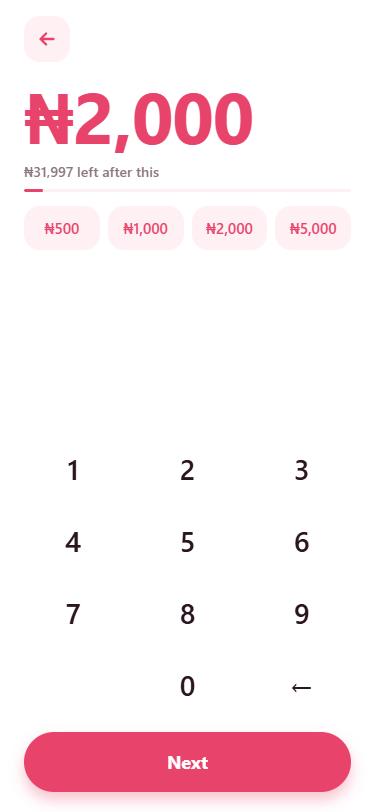
Type the amount.
You see what will be left in your balance as you type.
02
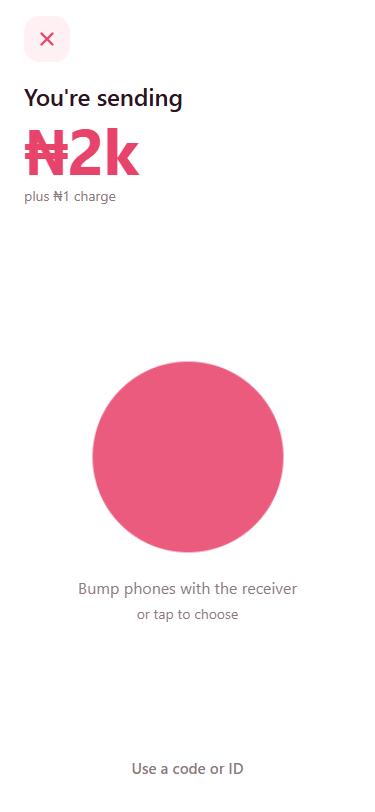
Bump phones.
The other person just keeps Tips open.
03
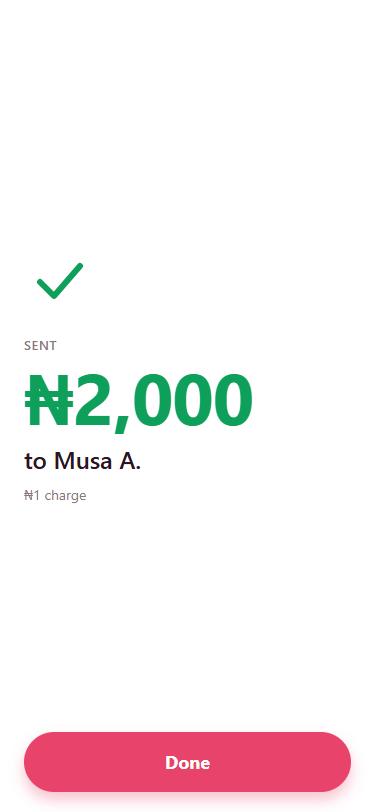
Done.
Both phones show it straight away.
What else it does
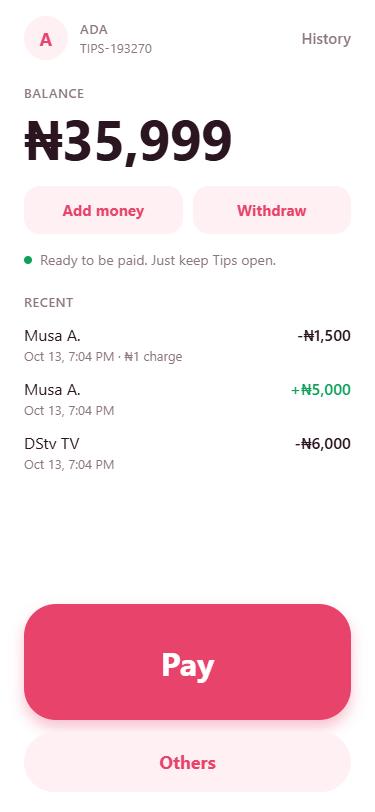
A wallet, not only a bump.
- Pick someone nearby from a list when you would rather not bump.
- Airtime, data and bills in one place, with your usual payments one tap away.
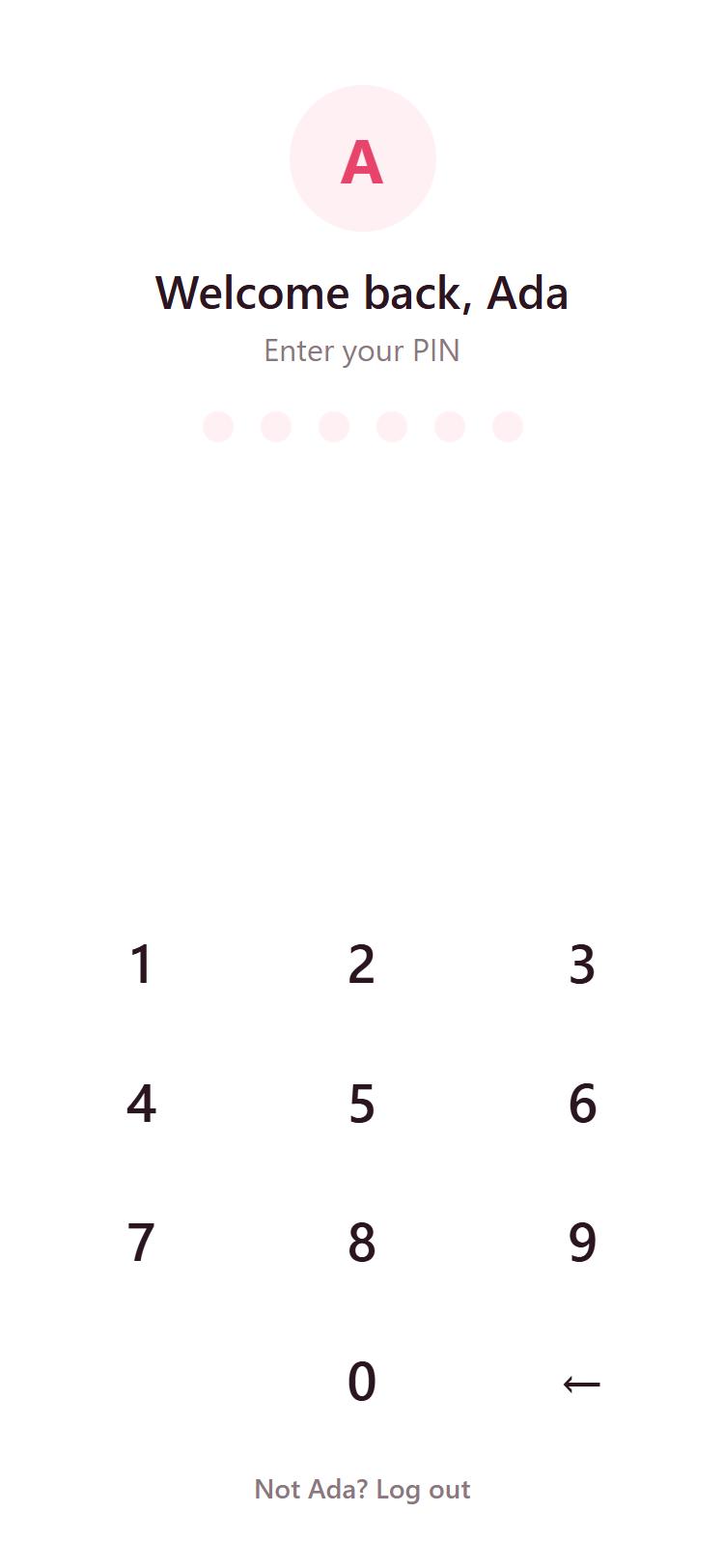
- Locked with your PIN, face or fingerprint every time you open it.
- Add money, withdraw, and a clear history.
Where it is today
In beta, and growing.
Tips is in beta while we finish the installed app for iPhone and Android.
It runs in your phone's browserNothing to install. Open the link and it works.
Add it to your Home ScreenIt then opens like any other app.
The installed app comes nextFor iPhone and Android.